Paper Cutter Knife 3D Modeling in Autodesk Fusion
About Course
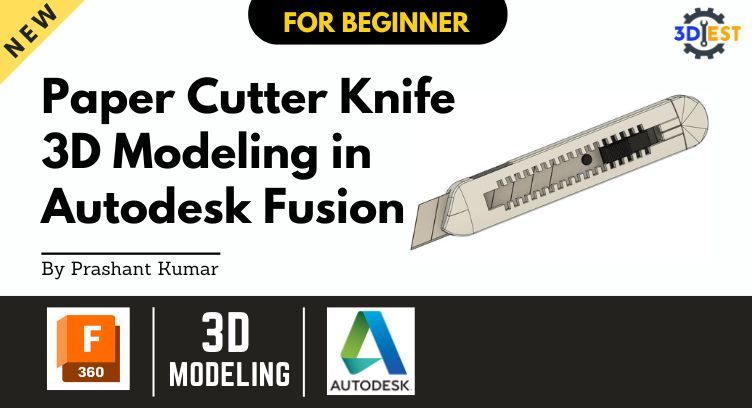
In this course, you will learn how to create a 3D model of a paper cutter knife using Autodesk Fusion. Through step-by-step tutorials and practical exercises, you will gain a solid understanding of the key tools and techniques needed to design and model this essential tool for cutting paper. Whether you are a beginner or have some experience with 3D modeling, this course will equip you with the skills to confidently create intricate and accurate models of paper cutter knives in Fusion.
Key Highlights:
- Learn Autodesk Fusion from scratch
- Master the art of 3D modeling with a paper cutter knife
- Create accurate and detailed designs for cutting paper
- Develop skills applicable to other 3D modeling projects
What you will learn:
- Learning Outcome 1
Understand the basics of Autodesk Fusion software and its user interface. - Learning Outcome 2
Gain proficiency in 3D modeling techniques such as sketching, extruding, and filleting. - Learning Outcome 3
Learn specific design considerations and best practices for creating a paper cutter knife. - Learning Outcome 4
Master advanced modeling techniques for adding details and refining the paper cutter knife design. - Learning Outcome 5
Export and prepare the 3D model for production or further modification.
Course Content
Module 1
-
Basic Introduction & Sketching in Autodesk Fusion
Module 2
Module 3
Module 4
Module 5
Module 6
Student Ratings & Reviews

No Review Yet